
Bring your pixel art visions to life, animate sprites, and refine game textures with Inktica!
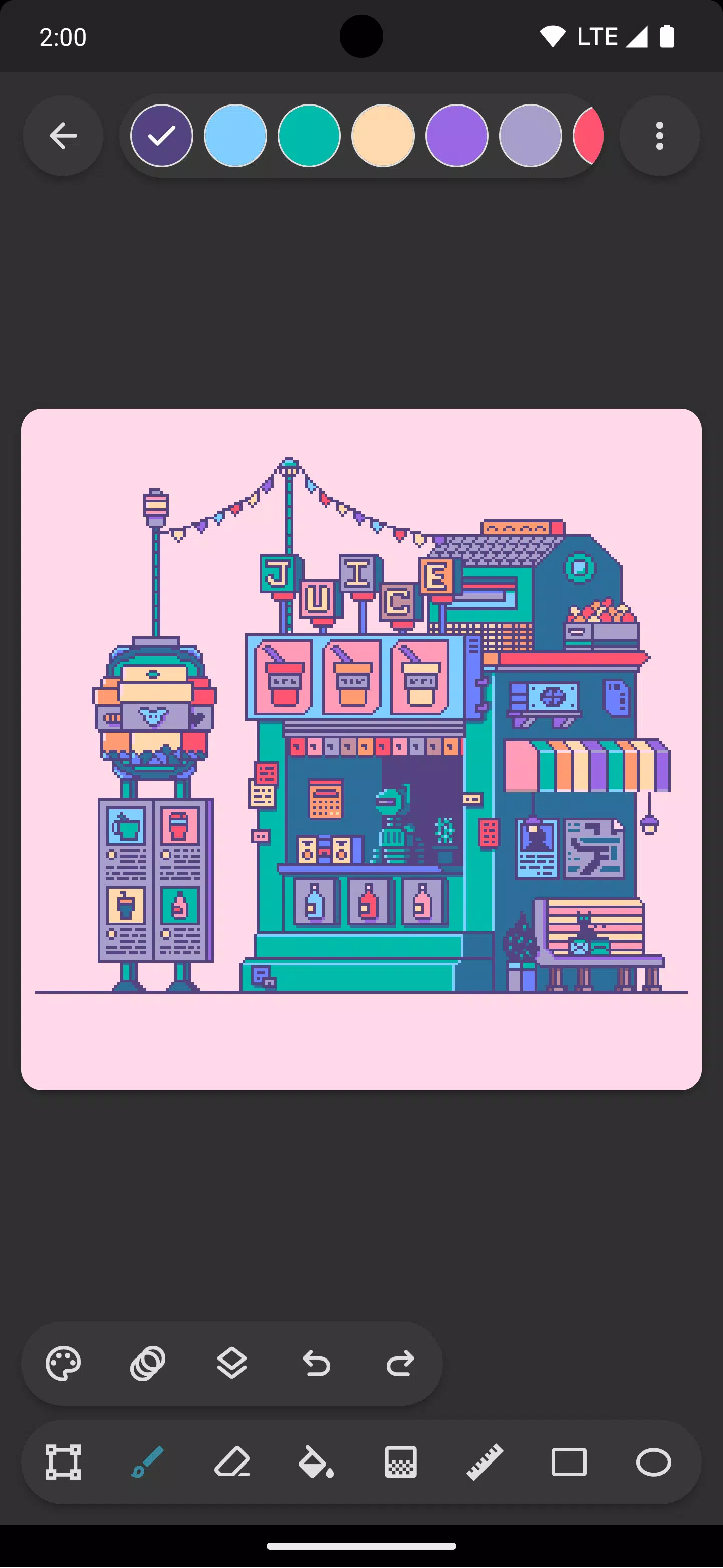
Craft stunning pixel art with Inktica – a robust yet user-friendly pixel art editor. Draw inspiration from the low-resolution aesthetics of classic computers and gaming consoles, or fine-tune game textures with ease.
Inktica provides advanced tools for precise pixel-level image editing. Essential pixel art tools include Brush, Eraser, Flood-fill, Gradient, Line, Rectangle, Ellipse, and Pipette. Each tool features pixel-art-specific options, such as the brush's "pixel perfect" algorithm for drawing sharp, single-pixel-wide lines.
Use Inktica's selection tool to duplicate, cut, reposition, and paste sections of your artwork or textures. Selections can be rotated or flipped before placement for greater flexibility.
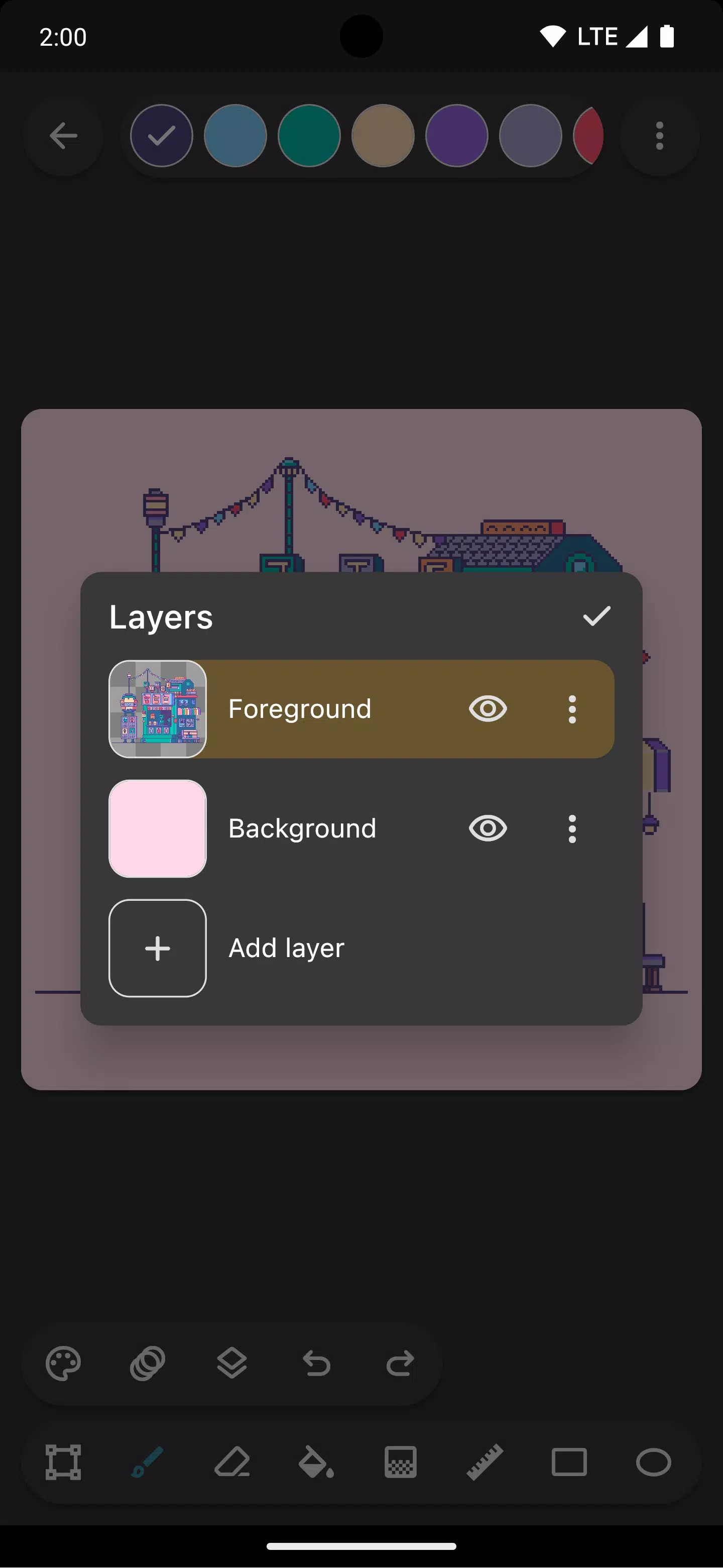
Organize your pixel art efficiently with Inktica's layer support. Layers help you manage different elements of your drawing and simplify editing specific components.
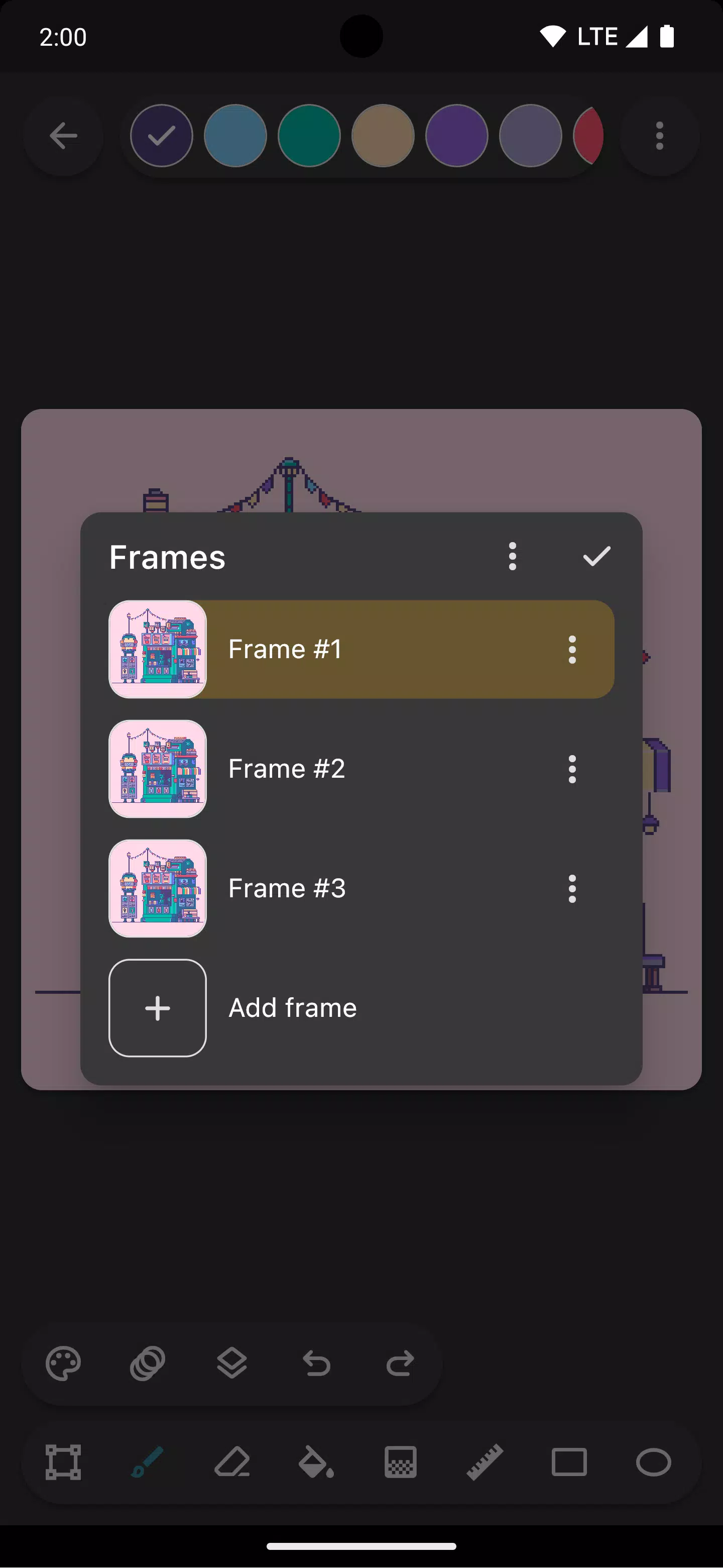
Animate your sprites using Inktica's built-in animation tools. The onion skin feature lets you reference the previous frame while working on the current one, streamlining the animation process.
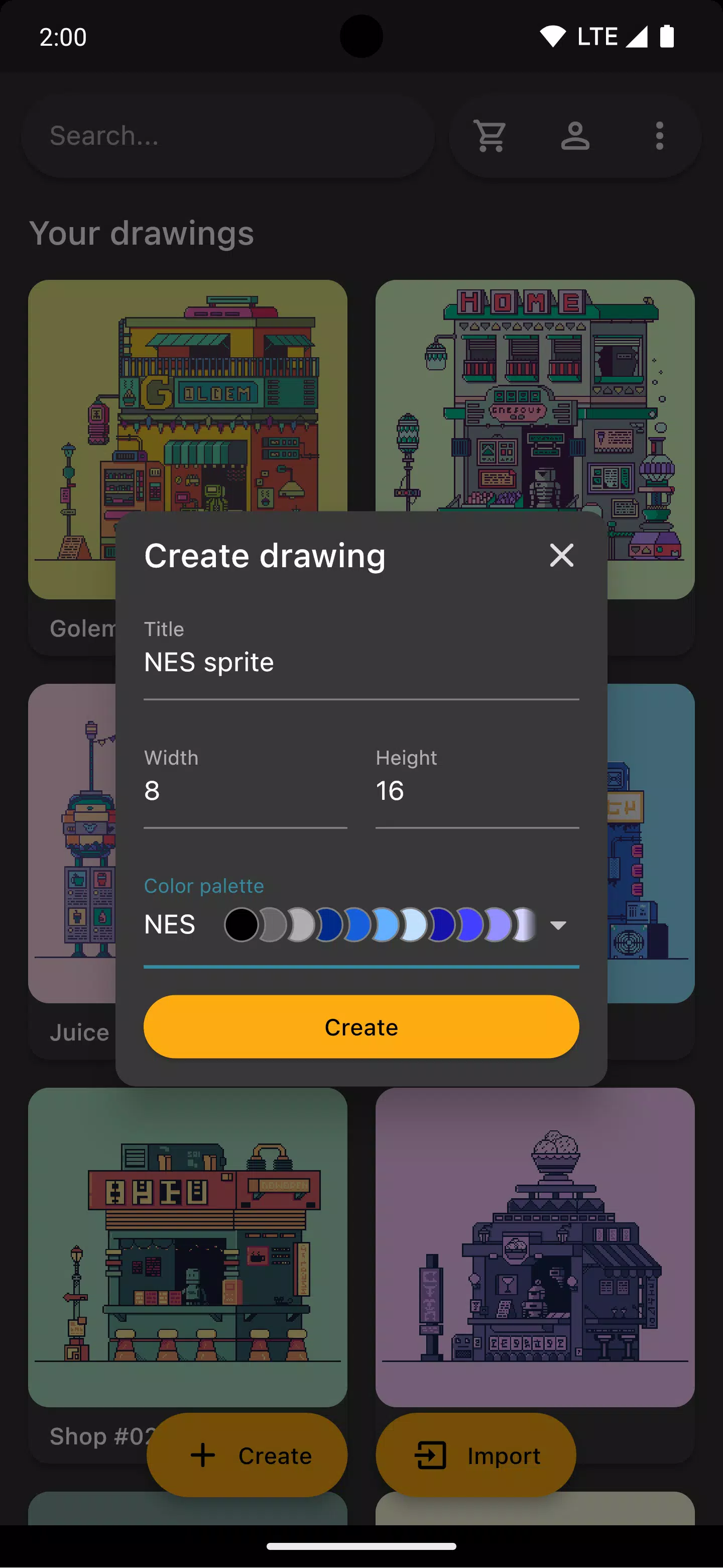
Create authentic retro graphics using color palettes from iconic consoles like the Atari 2600, NES, or Game Boy. You can also import curated color palettes from Lospec.
Speed up your workflow by opening a reference image from your gallery alongside your canvas for quick comparisons.
Once your masterpiece is complete, share it directly to social media or export it to your device. Export options include upscaling to maintain crispness on non-pixel-art platforms.
Inktica also works seamlessly with existing pixel art. Import projects from other tools, supporting Aseprite files (.ase, .aseprite) and common image formats (.png, .jpeg, .gif, etc.).
Art in screenshots by Pikurā
Privacy policy: https://inktica.com/privacy-policy.html
Terms of use: https://inktica.com/terms-of-use.html
Last updated on Nov 11, 2024
- Updated color dialog layout to a grid, showing more colors at once
- Color selections now automatically close the dialog for faster workflow
Counterfeit Bank Simulator: Minting Solution for Economic Crises
Marvel Rivals: Season 1 Dracula Explained
Zenless Zone Zero Update Cycle Leak Hints at Future Content cadence
All Mavuika Materials, Kit, and Constellations in Genshin Impact
Albion Online launches Paths to Glory update with new content, boosted spawn rates, and more
Roblox: Anime Auras RNG Codes (January 2025)
Best Xbox Game Pass Games For Kids (January 2025)
Infinity Nikki: Comprehensive Guides, Walkthroughs, and Tips
Final Frontier Story: Build Your Galactic City
Oct 18,2026

2D Roguelite Action BlazBlue Entropy Effect Is Now Out on Android
Oct 10,2026
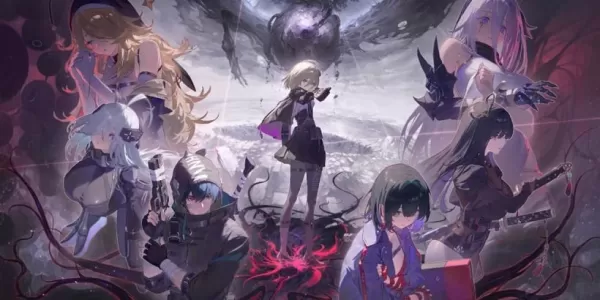
Chaos Zero Nightmare brings dark fantasy roguelike action to mobile, out now
Oct 08,2026

Lexar Play Pro MicroSD Express Memory Cards for Nintendo Switch 2 Are on Sale for October Prime Day
Oct 06,2026
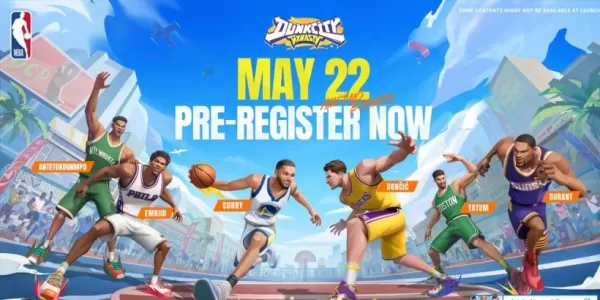
Dunk City Dynasty Drops Early Release Date
Oct 05,2026
 Category
 Download













Planning your dream trip? Our Ultimate Travel Planning Guide is packed with essential tips and tricks to make your journey smooth and stress-free. Discover helpful apps like Rajmargyatra, Satellite View Earth Globe Map for navigation, 13cabs - Ride with no surge for convenient transport, Map of Ethiopia offline for offline maps, gg (please specify the app's full name for better SEO), Unreserved: Bus Timetable App for bus schedules, Free To X: Cashback e Viaggio for cashback deals, SeguíTuBus for bus tracking, GO Rentals for car rentals, and Omio: Train and bus travel app for booking train and bus tickets. Find the perfect app for your travel needs and start planning your adventure today!
Map of Ethiopia offline
Unreserved: Bus Timetable App
13cabs - Ride with no surge
Free To X: Cashback e Viaggio
Rajmargyatra
GO Rentals
gg